
Concepts
Everything in Peculium is built from four concepts: you record transactions on assets inside portfolios, and currencies keep the numbers comparable. The Quickstart already put each of them to work; this chapter explains what they are and how they fit together.
Portfolio
A portfolio is a container of holdings with its own currency. You can have as many as you like — a common split is one for the long-term portfolio and one for active trading — and each is tracked, charted and reported on separately. The dashboard aggregates them all.
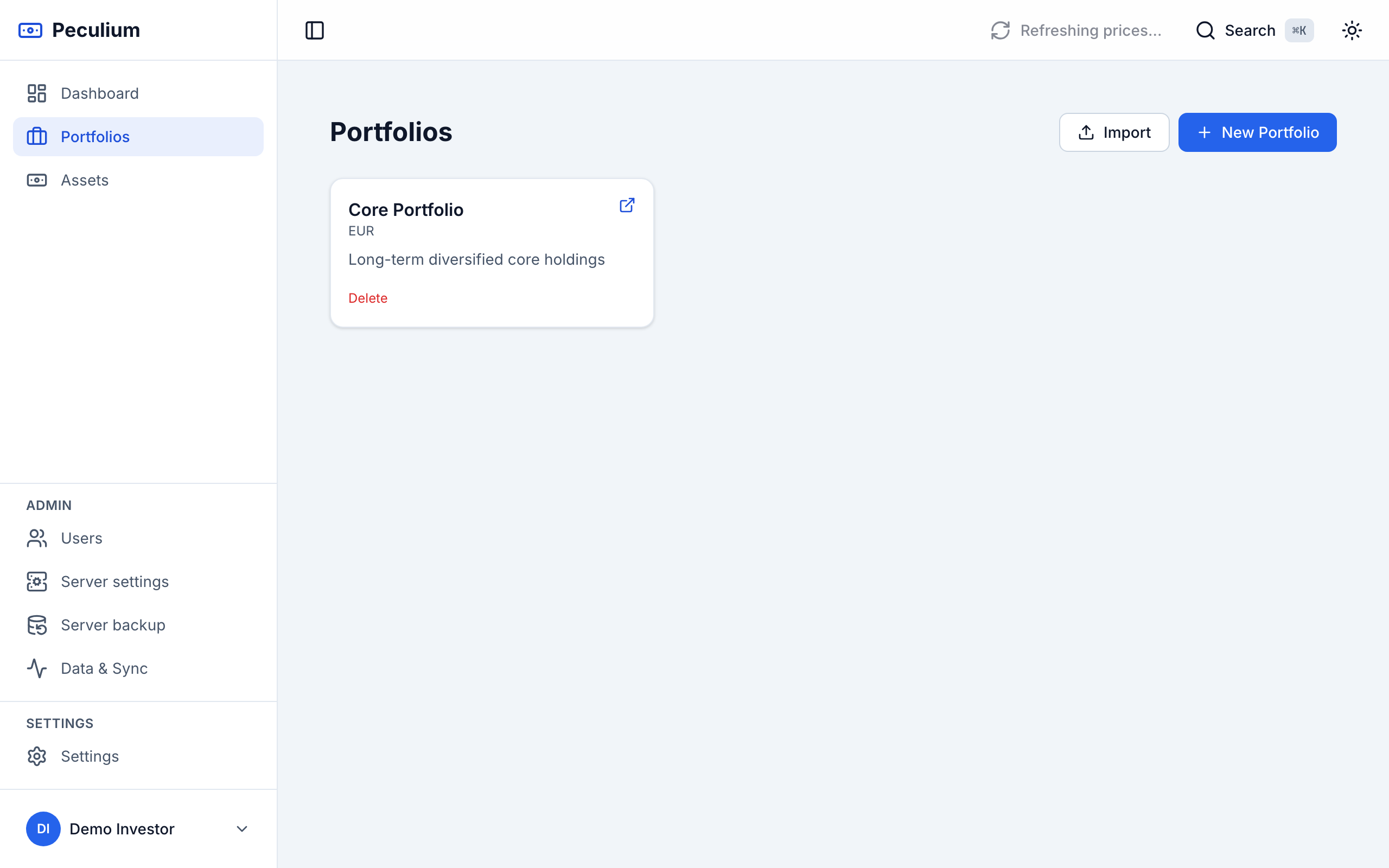
Portfolios — one card per portfolio, each with the currency it reports in.
Asset
An asset is an instrument you can hold: a stock, an ETF, a bond. It carries a ticker, a name, a type, a currency and an asset class. Assets are a shared catalogue, not a copy per portfolio: an instrument is registered once and every portfolio that holds it points at the same record — adding a ticker that already exists reuses it instead of duplicating it. Exchange, ISIN and the other metadata stay editable on the asset page.
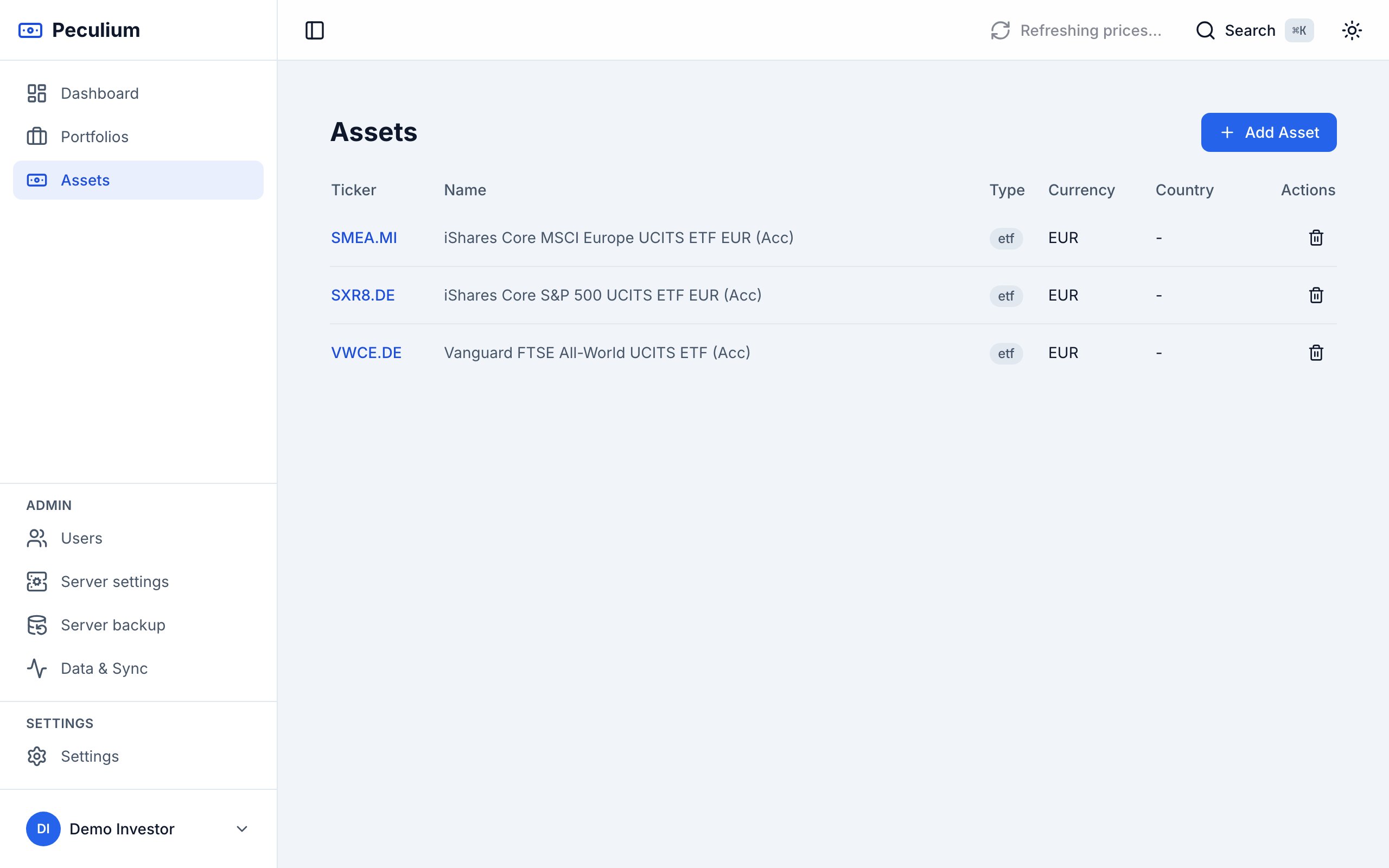
Assets — the shared catalogue; the Currency column shows what each asset is quoted in.
Transaction
A transaction is what you actually record, inside one portfolio: a buy, sell, dividend, split or fee, with a quantity, a price and a date — plus optional fees and notes. The holdings, values and performance Peculium shows are all computed from your transactions and the stored price history; you never edit a position directly.
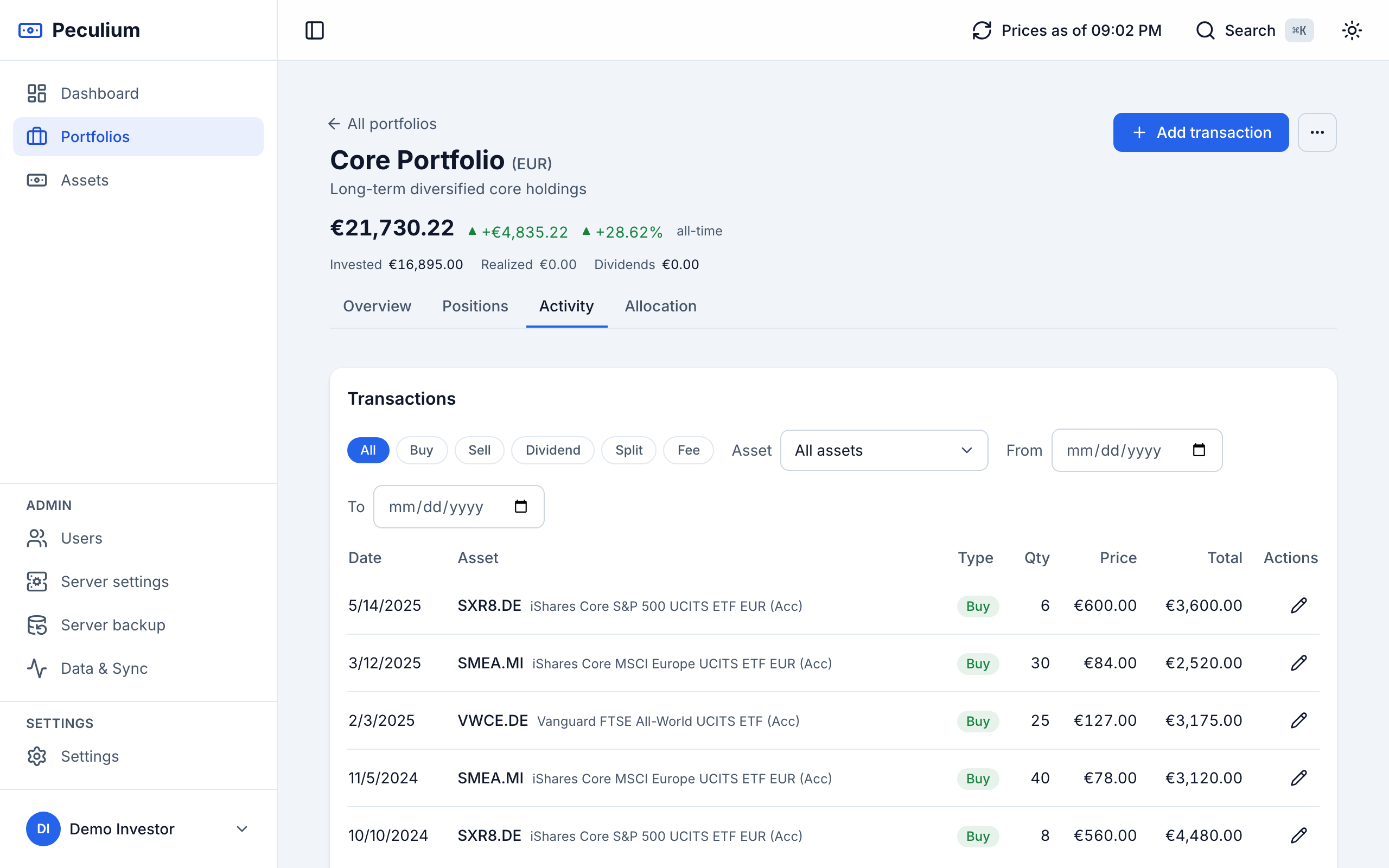
Activity — every transaction of a portfolio, filterable by type.
Currencies and the base currency
Assets are quoted in their own currency and portfolios report in theirs, so a typical instance mixes USD and EUR (and more). Two settings tame the mix:
- The currency whitelist (Settings → Currencies) lists the currencies the instance manages: only these are offered when choosing a portfolio or asset currency.
- Your base currency (Settings → Profile) is the single currency the dashboard uses to consolidate values across all your portfolios, converting the others with FX rates.
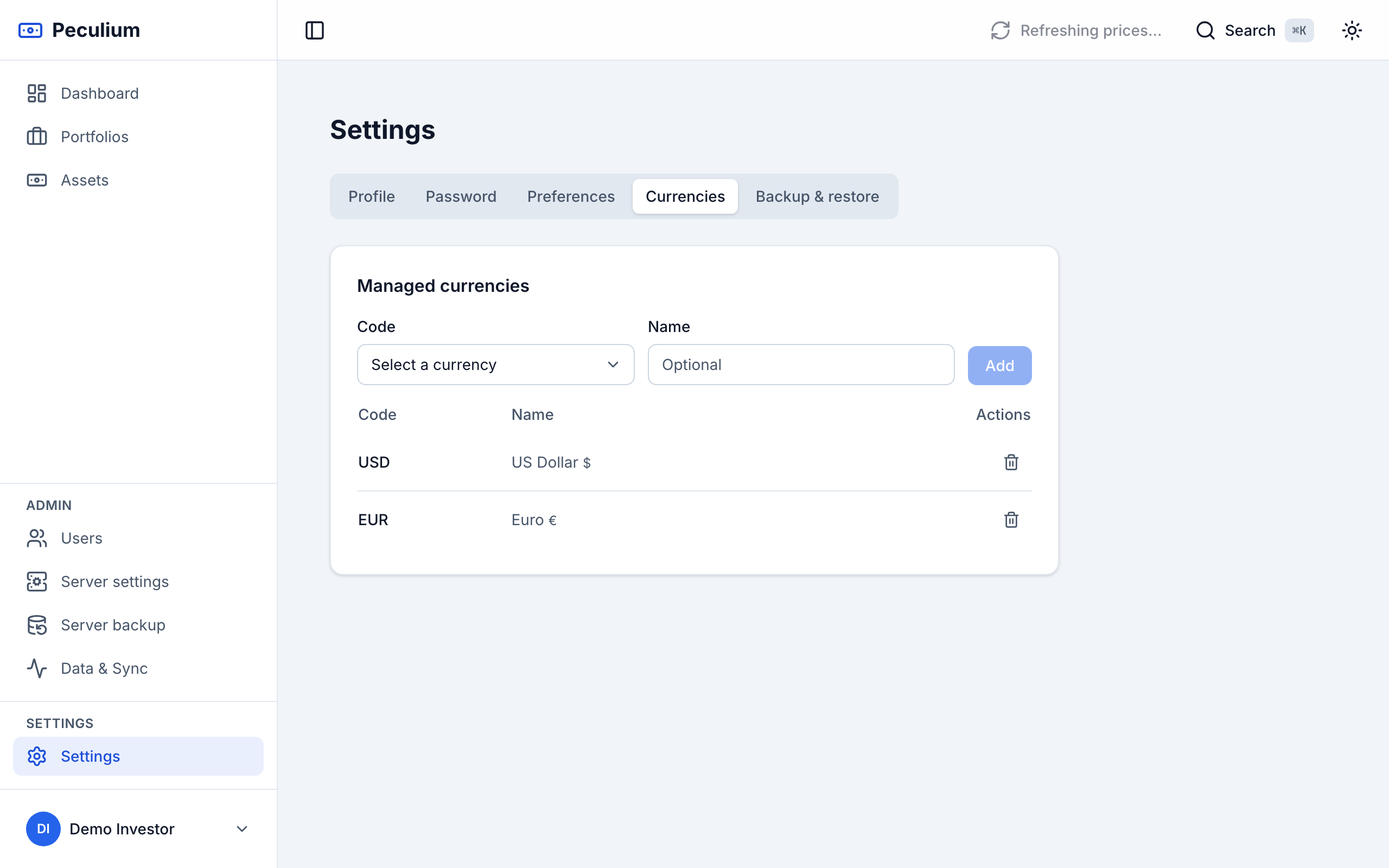
Settings → Currencies — the whitelist of currencies this instance manages.
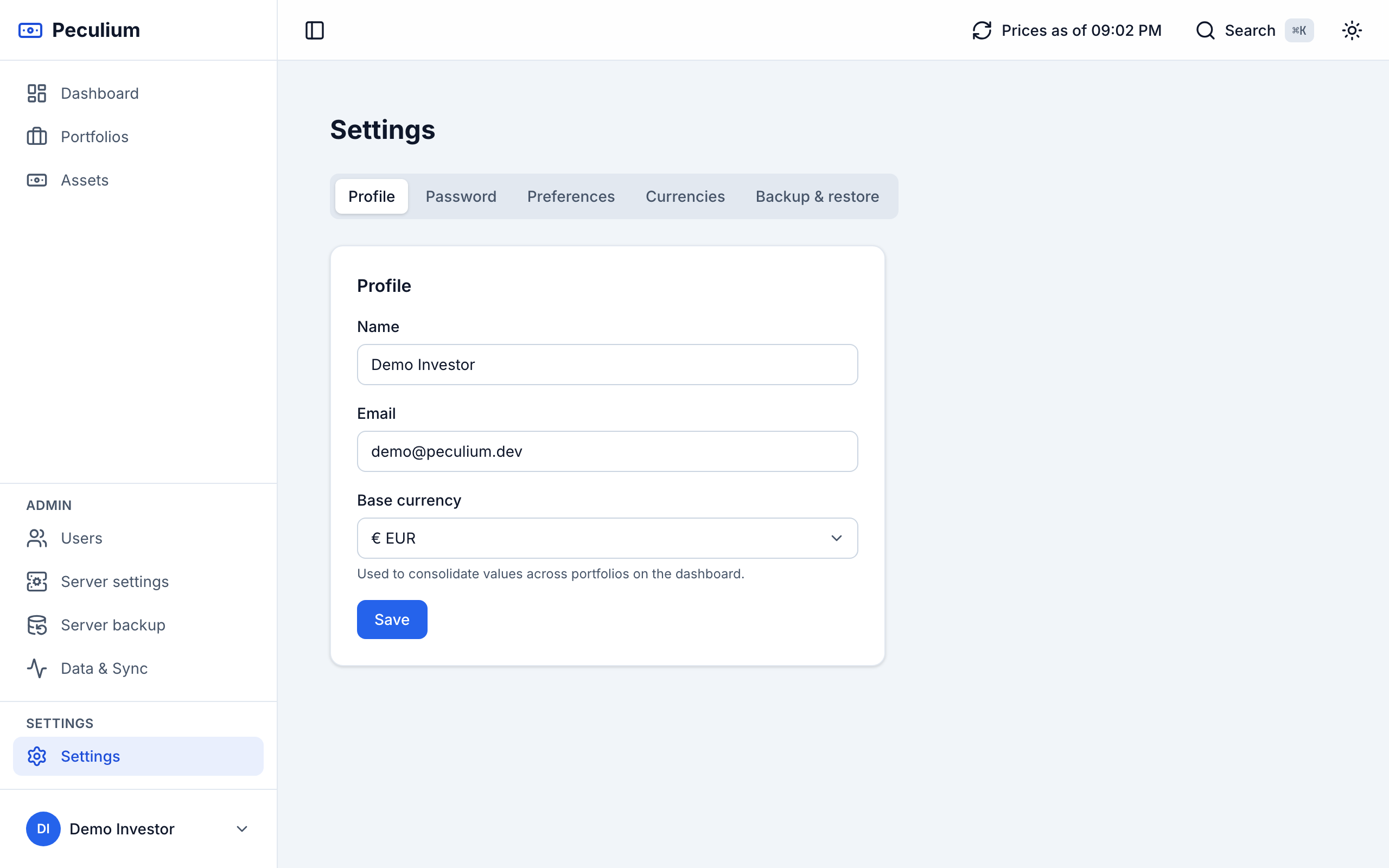
Settings → Profile — pick the base currency you want your totals reported in.
That is the whole model: transactions move assets in and out of portfolios, and the base currency makes the result comparable. To put it into practice, go back to the Quickstart, or browse the features page for what the numbers can do.