
Settings
Settings groups five tabs, and everything in it is per account — not per server. Two of them tune how your numbers are presented; the rest keep the account itself.
Profile
Your name and email, plus the base currency: the single currency the dashboard uses to consolidate the values of all your portfolios, FX rates applied. Pick the currency you think of your wealth in — why consolidation works this way is in Concepts.
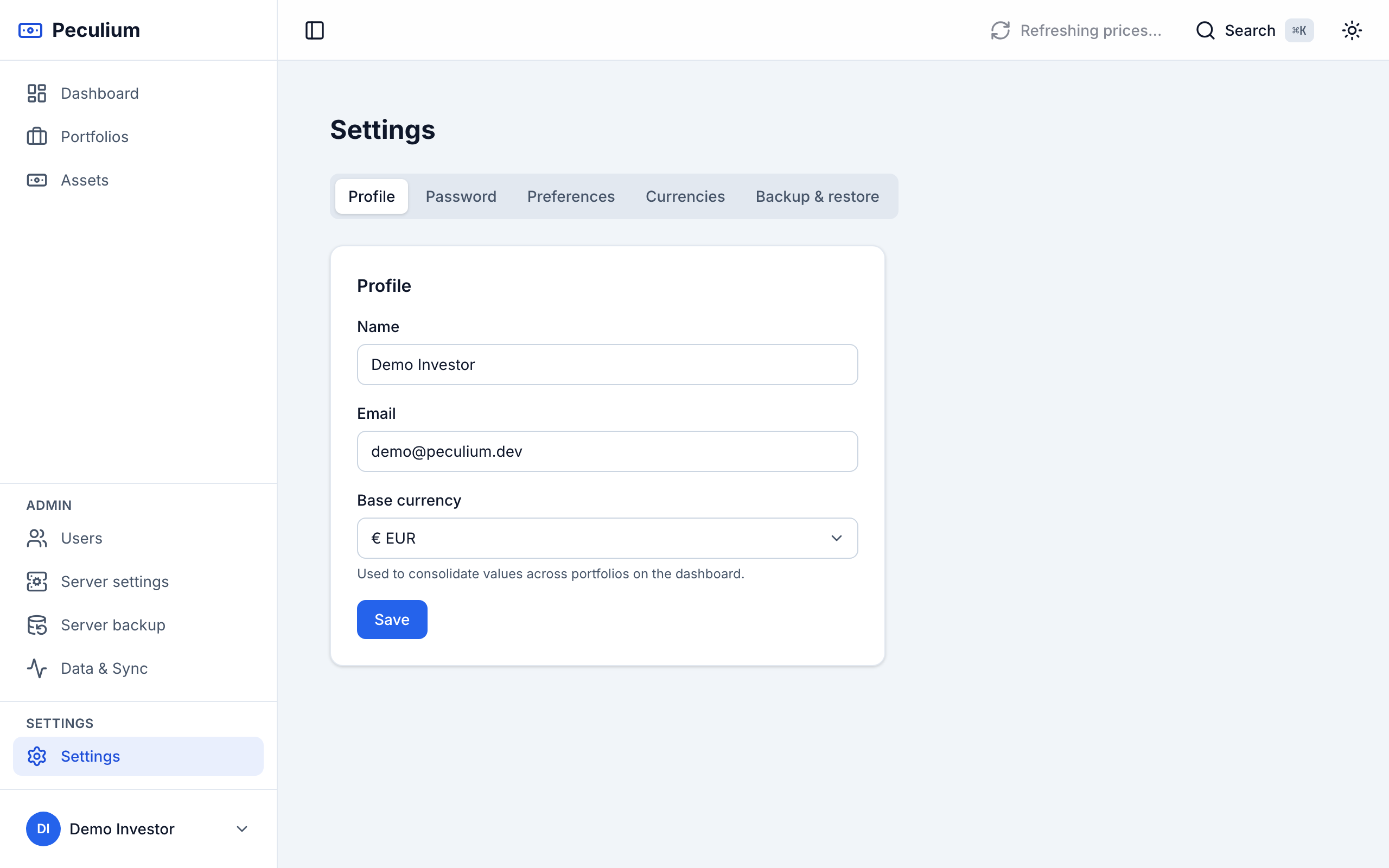
Profile — identity fields and the base currency selector.
Password
Change your password: confirm the current one, then type the new one twice. At least 8 characters, and the app checks all of it before saving.
Preferences
- Theme — Light, Dark, or System to follow the device setting.
- Language — the interface language, applied immediately and remembered on this device.
- Gain/loss colors — Green/Red by default; Blue/Orange swaps them in text and charts for colour-blind friendly reading. The sign and the ▲▼ arrows stay meaningful either way.
- About this app — the build the app is running: version, commit (linked on GitHub) and build time, with a button to copy them when reporting an issue.
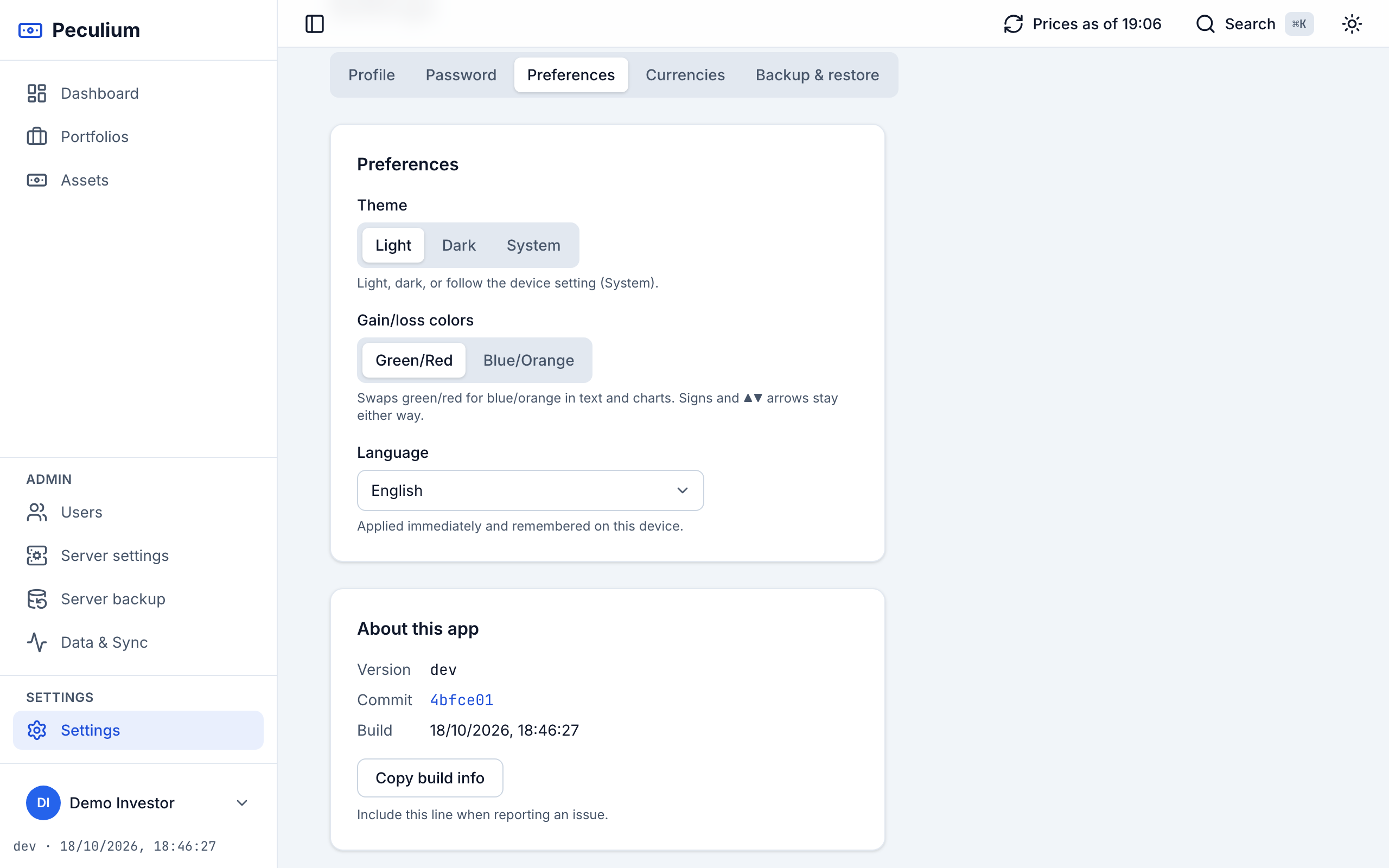
Preferences — theme, interface language and the gain/loss palette.
Currencies
The managed-currency whitelist: whatever you manage here is what every portfolio and asset currency picker offers. The Concepts chapter explains what the whitelist and the base currency do to your numbers, so there is little to repeat: add the currencies you trade in and leave the rest out.
Backup & restore
The last tab exports your whole workspace — every portfolio and transaction, the referenced assets with their metadata, exposure and the manual prices you entered, plus the currencies in use — as a single JSON file, and restores it. Provider data (Yahoo prices, FX history) is deliberately left out: it is refetched after a restore. The full walkthrough — including the admin-level server dump — is in Backup & restore.
Preferences decided, account secured: for how the prices behind the numbers are kept fresh, see Data & sync.